DISPATCH FOR COMPANIES THAT RUN THEIR OWN DELIVERIES
Orders in. Routes out. Every delivery tracked.
Dispatchr turns your orders into routes, assigns your drivers, and shows you which stop is about to miss while there's still time to fix it. We set it up with your dispatcher in weeks. Your team runs it.

The stop has a new driver. Both routes are on time.
Customer storyFood distribution
From paper route sheets to orders that dispatch themselves.
A food distributor wanted to get rid of paper and see where every delivery stood. For one part of their business, orders now flow from their ordering system straight into Dispatchr. Dispatchr plans the routes and assigns each one to a driver from their schedule, and Samsara tracks temperature along the way.
 Ordering system
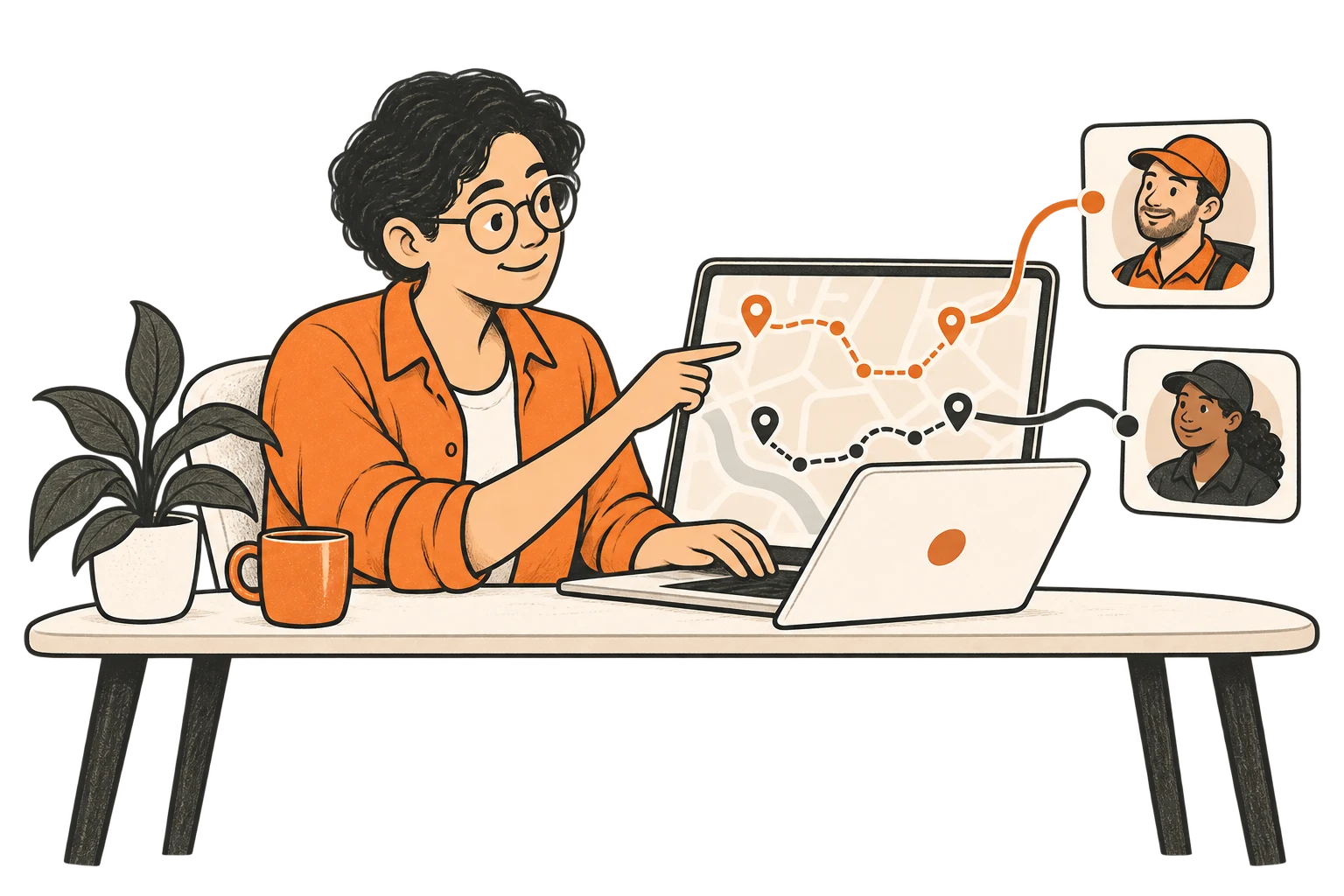 Dispatchr(routes + driver assigned)
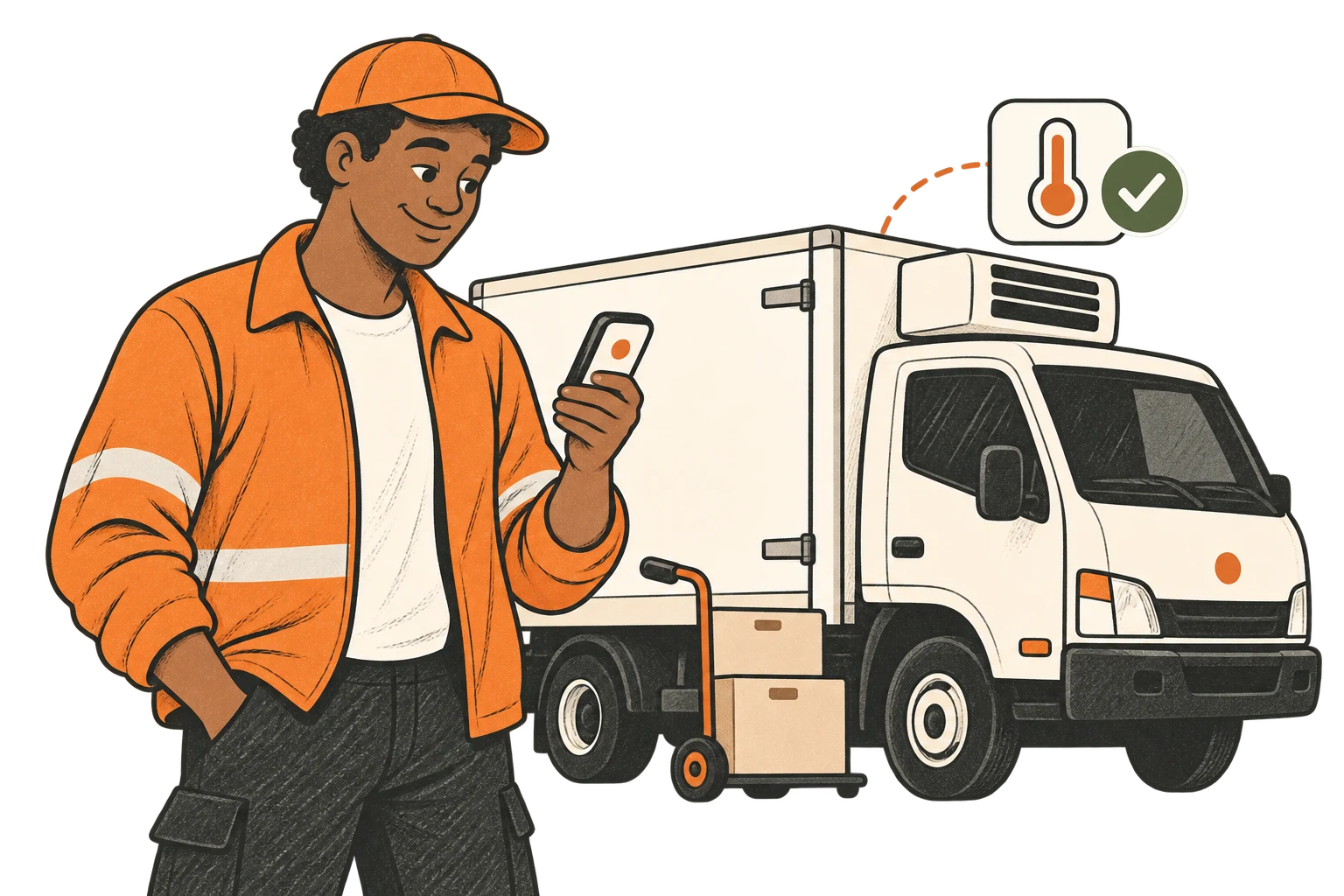 Samsara(temperature tracked)
Their dispatcher checks the plan instead of building it.
Stop running dispatch from your phone.

- A driver calls out at 5am.
- A customer adds three stops at 9.
- Someone calls asking where their delivery is.
- And the answer lives in a spreadsheet and a group text.
Dispatchr puts it all on one board, so your dispatcher sees the problem before the phone rings.
This is what your dispatcher sees.
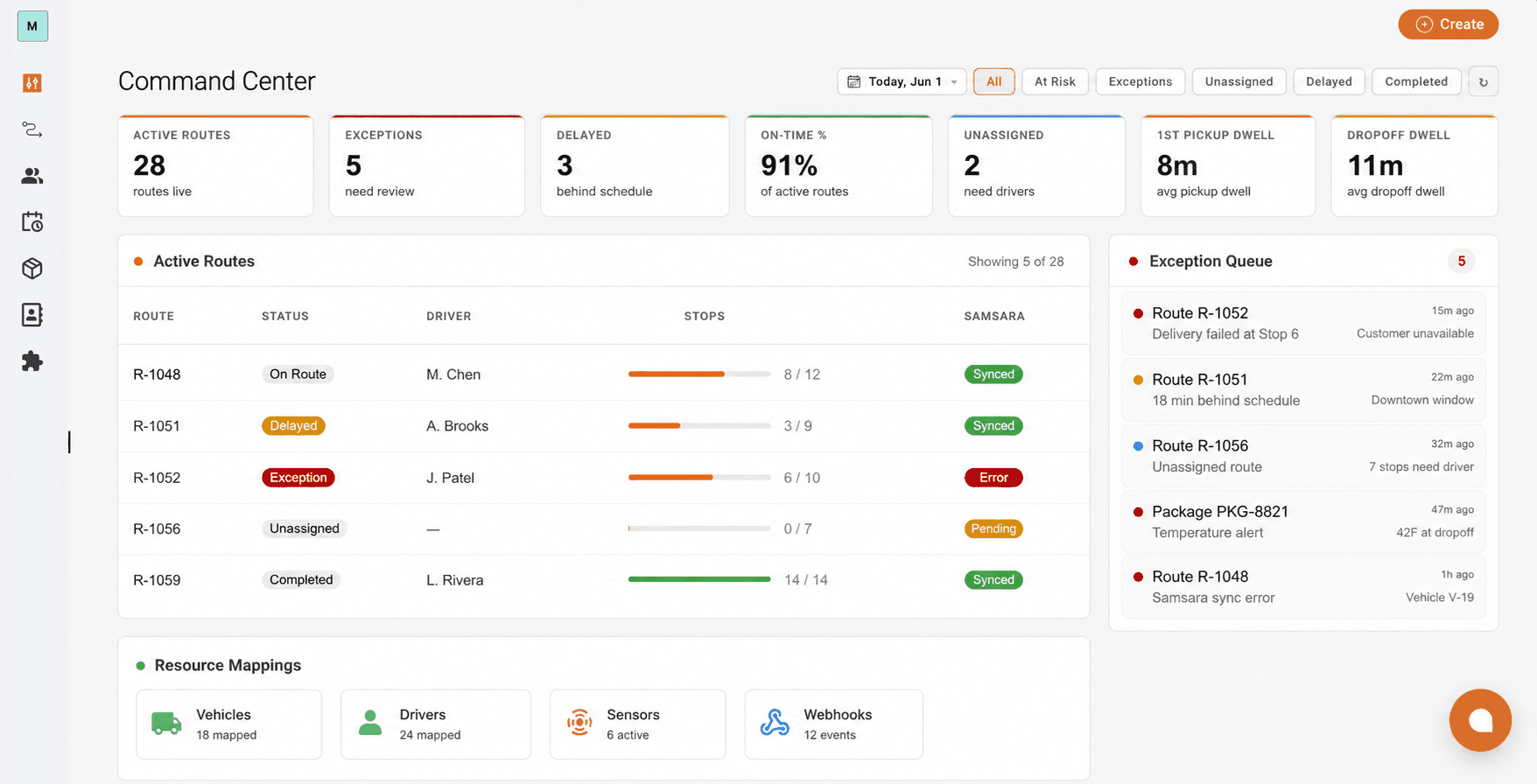
- Exception Queue
Late, failed, and temperature alerts show up first.
- Active Routes
Every route, driver, and stop, live.
- Today at a glance
How the day is going, at a glance.
The day, in three steps.
Orders in
Today's orders from your ordering system.
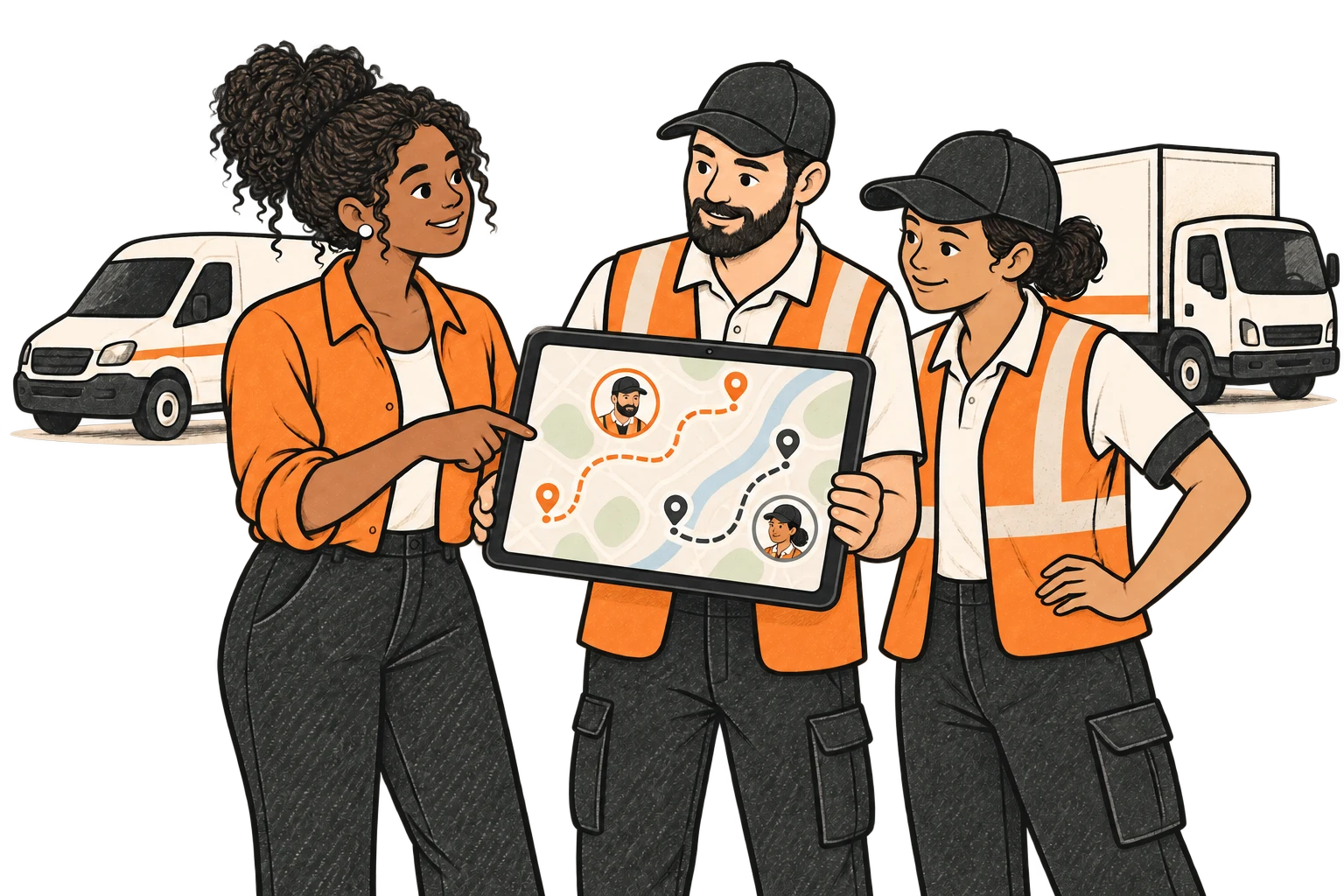
Routes out
Routes planned and drivers assigned from your schedule.

Catch the miss
See the stop that's about to miss its window, while there's time to fix it.
Fewer paper sheets, fewer "where's my delivery" calls.
Built to run a real delivery operation. Set up like a lightweight one.
Dispatchr was built to run a last-mile delivery operation end to end, with route optimization and live tracking. Now it's packaged for companies that run their own delivery fleet, from a handful to a few hundred drivers.
- Turns orders into routes automatically.
- Assigns drivers from your schedule.
- Re-routes when the day changes.
- Tracks every delivery live.
How it connects
Your ordering system, Samsara, the Dispatchr driver app, or the spreadsheet you already keep. You don't replace what you already run.

We set it up. Your team runs it.
Show us how your day runs now.
A quick call to walk through your routes.
We set it up with your dispatcher.
Your orders, drivers, and schedules, in weeks.
Your team takes it from there.
Plan, dispatch, and catch misses on one board.
Show us tomorrow's routes.
In a 30-minute call, we'll walk through where your day breaks.